
Why both live on one page
People arrive at a Pinterest downloader wanting one of two unrelated things: someone's profile picture, or the media inside a pin. Making you choose between two pages first means guessing which word we used for the thing you want.
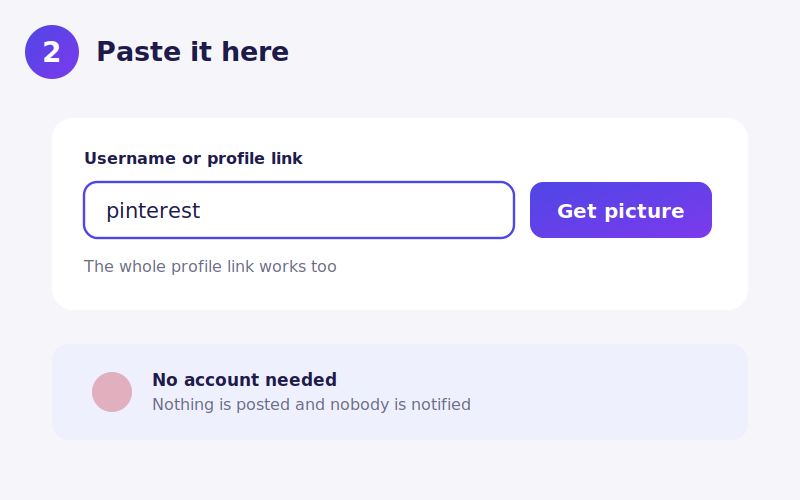
So the box works out which you have. If what you paste contains /pin/ or is a pin.it short link, it is treated as a pin. Anything else is treated as a username. Pasting a whole profile URL still gets you the profile picture, because a profile address has no /pin/ in it.
Behind the form the two jobs stay completely separate, running through different endpoints with different handling. Only the input box is shared.
Profile pictures
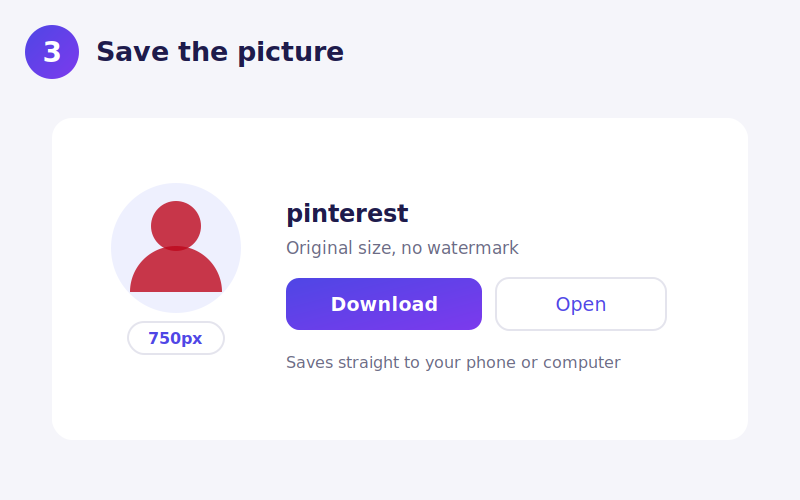
Pinterest displays avatars small and offers no way to enlarge them. The stored image goes up to 750 pixels, and that is what you get here.
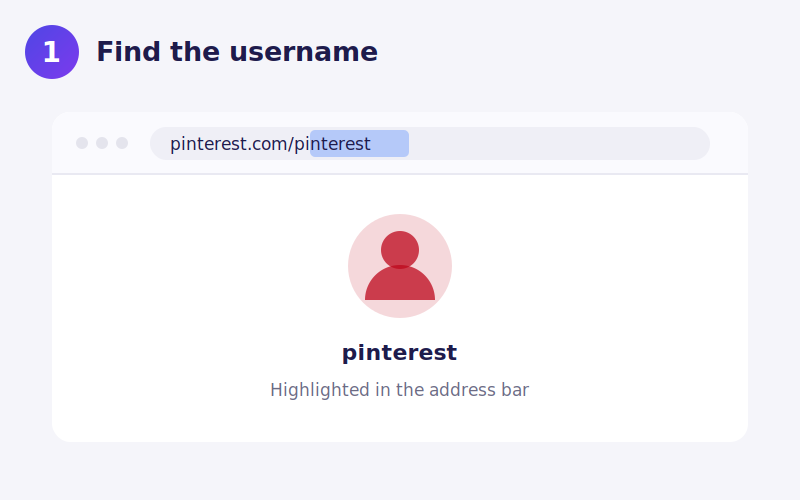
Use the username from the address bar, not the display name. A profile shows a large display name that often has spaces, emoji or a business name in it; the username is the part after pinterest.com/. Regional domains like pinterest.co.uk, pinterest.de and br.pinterest.com all serve the same accounts, so a link from any of them works.
Pins are not all the same kind of file
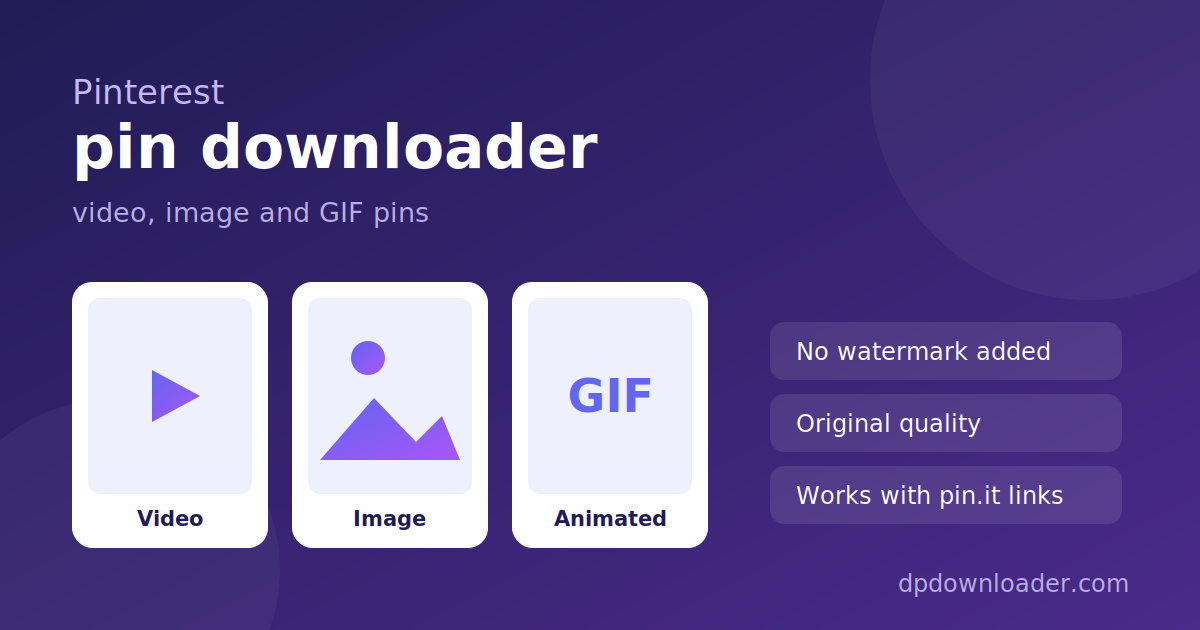
Pinterest calls everything a pin, but three different things hide behind the word:
- Video pins are MP4 files, often stored in several qualities. The best available one is returned.
- Image and GIF pins are single files. The feed shows a compressed 236 or 564 pixel version while the original is considerably larger.
- Idea pins are multi-page and can mix video with stills, so results vary more than with ordinary pins.
The preview that appears is real , a working player for video, the actual image for stills , so you can confirm you have the right pin before saving.
Getting a pin link on a phone
Open the pin in the app, tap the share icon, then Copy link. That produces a pin.it address, which works here. On a computer the full pinterest.com/pin/… URL in the address bar works just as well.
No watermark, because none is added
Some downloaders stamp a logo onto what you save. Nothing is added here. Files stream from Pinterest's own servers to your device unchanged , same bytes, same quality.
Sizes you can expect
Profile pictures are delivered by Pinterest at 280 pixels by default. The stored file is considerably larger, and this tool requests that version instead, then confirms the server really returned it before offering you the link.
Pin media varies far more. The feed shows a 236 or 564 pixel version of an image pin while the original can be several times that. Video pins are stored in a handful of qualities, and the best available one is what you receive.
Verified, not assumed. The upgrade from 280 pixels to the stored original is checked with a real request before you see the link. If Pinterest ever stops serving the larger file, you get the 280 pixel version rather than a download that fails.
Saving the file on your device
iPhone. For images, Download opens the file in Safari; long press and choose Add to Photos. For video, the file downloads and can be saved from the Files app to Photos.
Android. Both images and video save to Downloads and appear in your gallery.
Desktop. Right click Download and choose Save link as to rename the file first.
What will not work
Secret boards. Pins on a secret board are visible only to the people invited to it, so nothing public exists to read.
Private accounts. Same reason.
Deleted pins. The link continues to look valid while the media behind it is gone.
Display names instead of usernames. The most common cause of a failed profile lookup by a wide margin.
Each of these returns a clear message here rather than a broken file.
Using what you download
Pinterest is a collection of other people's work. A pin usually points at an image created by a photographer, illustrator, brand or blogger, and pinning it does not transfer any rights. Saving something for your own reference is ordinary personal use, whether that is a mood board, a recipe you want offline, or a room you are trying to copy.
Republishing it, especially without credit or on a commercial account, is where problems start. If you are planning to use an image publicly, the pin often links back to the original source, and asking there costs nothing.
 TikTok
 YouTube
 Roblox
 X
X Telegram
 Twitch
 Kick
Kick GitHub