
The file you get is the file Kick stores
Most platforms on this site require working out which of several renditions is the largest. Kick does not. It serves the complete stored image directly, so there is no larger version to chase and nothing being held back.
One consequence is worth setting expectations about. Avatars on Kick are often physically small files. A test on a large channel returned about 4 KB. That is not the tool losing quality. It is what the streamer uploaded, delivered as WebP, which compresses far harder than JPEG or PNG at the same visual quality.
Small file, same picture. A 4 KB WebP and a 40 KB JPEG can look identical. File size is a poor guide to quality across different formats, and converting the WebP to JPEG will make the file bigger without making the image better.
Why WebP
Kick serves avatars in WebP, a format supported by every current browser and phone. If you need a different format for older software, open the image in any editor or gallery app and export it as JPEG or PNG. Nothing is lost in that step beyond the usual re-encoding.
Windows has supported WebP in File Explorer and Photos since Windows 10, and macOS since Big Sur, so the file is usually viewable without converting anything.
Finding the channel name
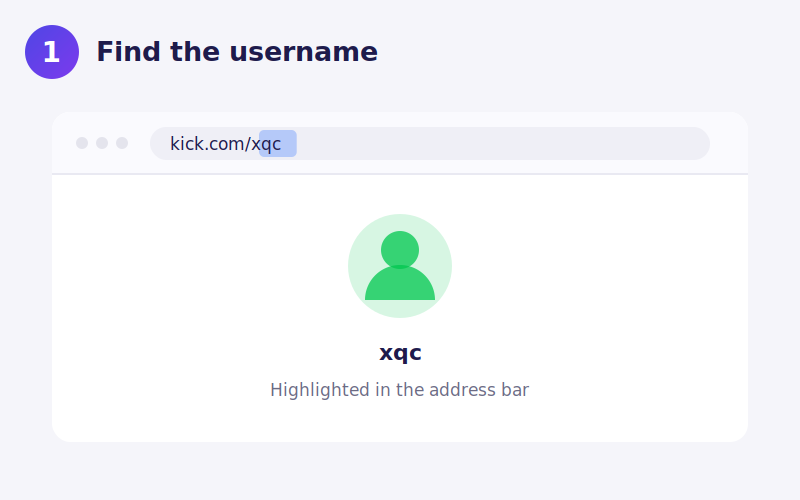
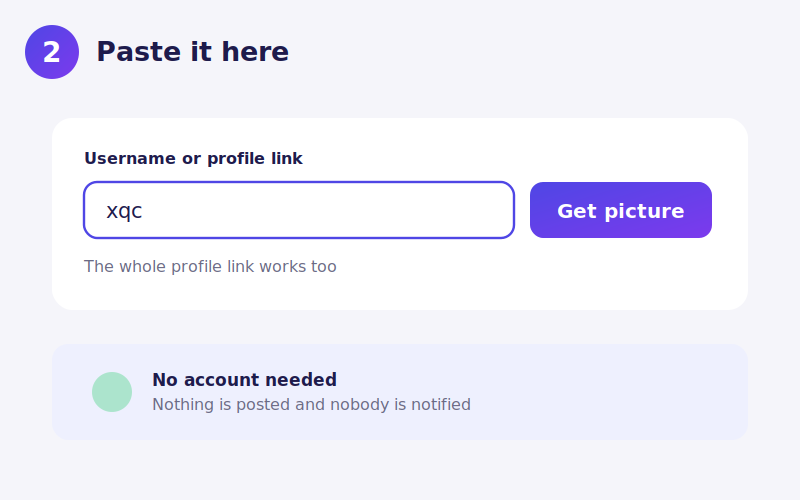
The name in the URL is what to use. For kick.com/xqc, enter xqc. Display names that contain spaces, emoji or capital letters styled for effect will not resolve, because they are not the channel identifier.
Occasional blocked lookups
Kick sits behind bot protection that sometimes challenges automated requests. Almost always this clears by itself within a minute. If a lookup fails once and the name is definitely right, waiting briefly and retrying is usually all that is needed.
This is also why results here are cached for a few hours. A channel looked up repeatedly is fetched once, which keeps the number of requests low enough that the protection rarely triggers at all.
Saving the file on your device
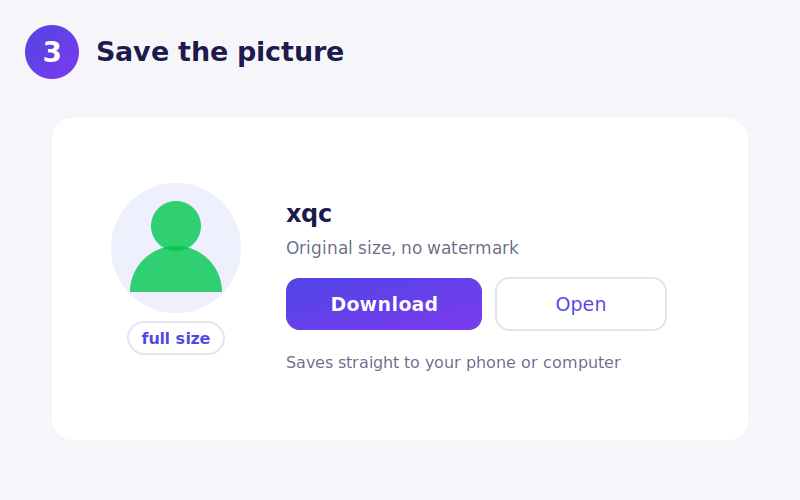
iPhone. Download opens the image in Safari. Long press and choose Add to Photos. iOS has handled WebP natively since iOS 14.
Android. The file saves to Downloads and opens in the gallery.
Desktop. Right click Download and choose Save link as to rename it first.
When a lookup fails
The channel does not exist or was renamed. Check the name against the address bar.
Bot protection triggered. Wait about a minute and try again.
The channel never set an avatar. Kick then shows a default placeholder that is not that channel's own image.
Using the picture afterwards
As with any streaming platform, avatars are often commissioned artwork rather than photographs, so the copyright may belong to an artist. Saving one for reference is ordinary use; republishing it or using it commercially is a different matter.
 TikTok
 YouTube
 Roblox
 X
X Telegram
 Pinterest
 Twitch
 GitHub