
Por que as duas funções ficam na mesma página
Quem chega numa ferramenta do Pinterest quer uma de duas coisas sem relação entre si: a foto de perfil de alguém, ou o conteúdo de dentro de um pin. Obrigar você a escolher entre duas páginas primeiro significa adivinhar qual palavra usamos para o que você quer.
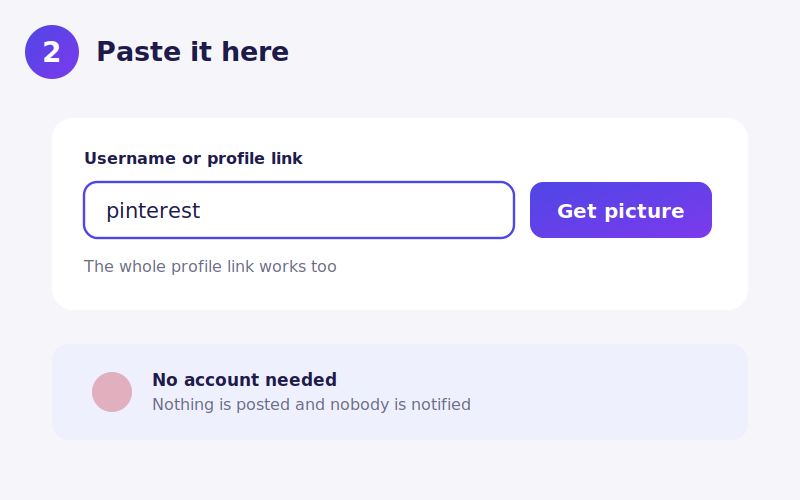
Então o campo descobre sozinho. Se o que você cola contém /pin/ ou é um link curto pin.it, é tratado como pin. Qualquer outra coisa é tratada como nome de usuário. Colar a URL inteira de um perfil ainda traz a foto de perfil, porque o endereço de um perfil não tem /pin/.
Atrás do formulário, as duas funções seguem completamente separadas, por caminhos diferentes. O que elas compartilham é apenas o campo de entrada.
Fotos de perfil
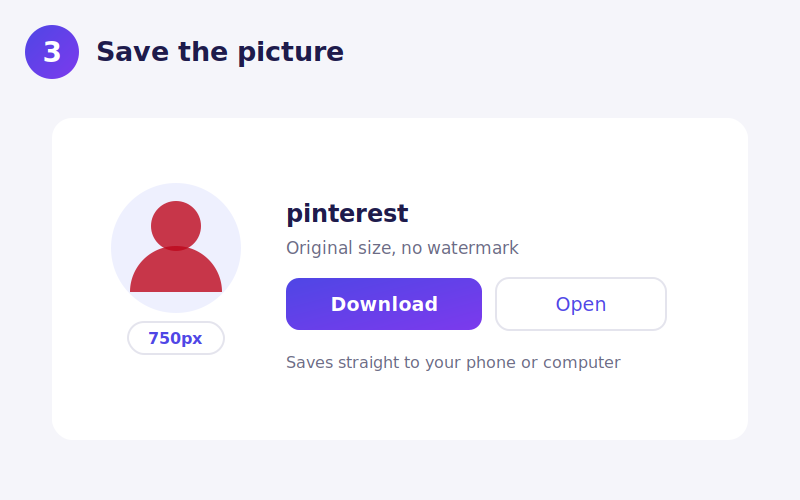
O Pinterest exibe os avatares pequenos e não oferece jeito de ampliar. A imagem guardada chega a 750 pixels, e é ela que você recebe aqui.
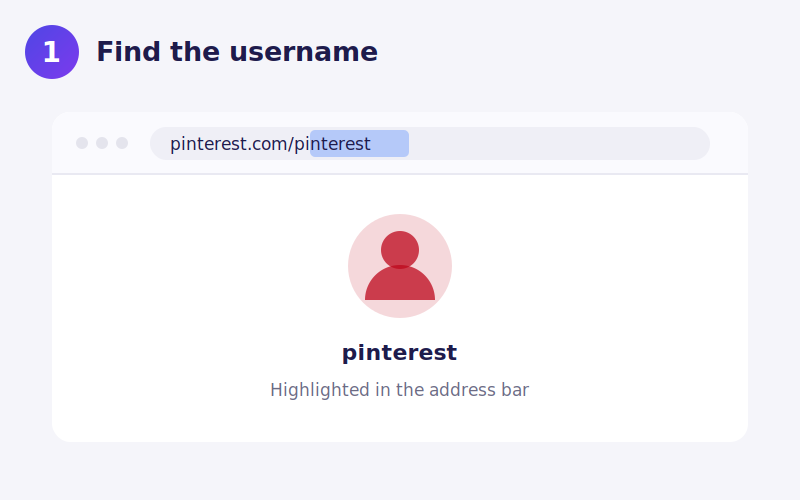
Use o nome de usuário da barra de endereço, não o nome de exibição. Um perfil mostra um nome grande que muitas vezes tem espaços, emoji ou o nome de um negócio; o nome de usuário é a parte depois de pinterest.com/. Domínios regionais como pinterest.co.uk e br.pinterest.com atendem as mesmas contas, então um link de qualquer um funciona.
Pins não são todos do mesmo tipo
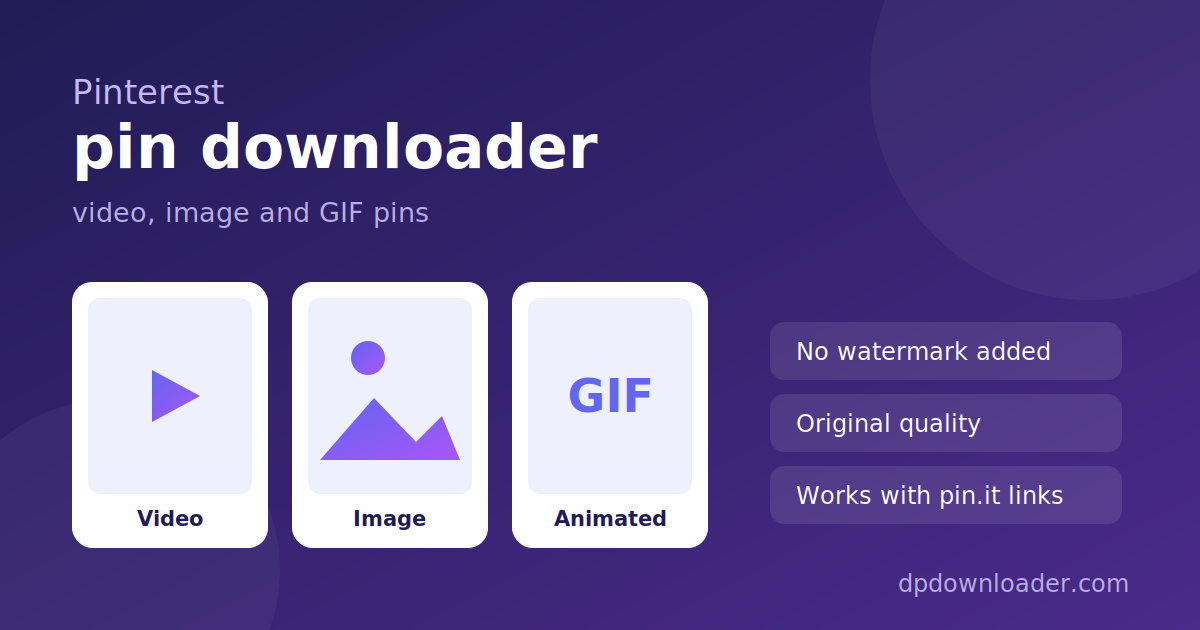
O Pinterest chama tudo de pin, mas três coisas diferentes se escondem atrás da palavra:
- Pins de vídeo são arquivos MP4, guardados em várias qualidades, e você recebe a melhor disponível.
- Pins de imagem e GIF são arquivos únicos. O feed mostra uma versão comprimida de 236 ou 564 pixels enquanto o original é bem maior.
- Pins de ideia têm várias páginas e podem misturar vídeo com imagens, então os resultados variam mais.
A prévia que aparece é real: um player que funciona para vídeo e a imagem de verdade para fotos, então dá para conferir se é o pin certo antes de salvar.
Pegando o link do pin no celular
Abra o pin no aplicativo, toque no ícone de compartilhar e depois em Copiar link. Isso gera um endereço pin.it, que funciona aqui. No computador, a URL completa pinterest.com/pin/… da barra de endereço funciona igual.
Tamanhos que você pode esperar
O Pinterest entrega as fotos de perfil em 280 pixels por padrão. O arquivo guardado é bem maior, e esta ferramenta pede essa versão e depois confirma que o servidor a devolveu mesmo antes de mostrar o link.
Verificado, não suposto. A troca de 280 pixels pelo original é conferida com um pedido real antes de você ver o link. Se um dia o Pinterest parar de entregar o arquivo maior, você recebe a versão de 280 pixels em vez de um download que falha.
Sem marca d'água, porque nada é acrescentado
Alguns baixadores carimbam o próprio logo no que você salva. Aqui nada é acrescentado. Os arquivos vão dos servidores do Pinterest para o seu aparelho sem alteração: os mesmos bytes, a mesma qualidade.
Salvando o arquivo no seu aparelho
iPhone. Para imagens, o botão abre o arquivo no Safari; segure o dedo e escolha Adicionar às Fotos. Vídeos baixam e podem ser salvos pelo aplicativo Arquivos para as Fotos.
Android. Imagens e vídeos vão para Downloads e aparecem na galeria.
Computador. Clique com o botão direito e escolha Salvar link como para renomear antes.
O que não vai funcionar
Quadros secretos. Pins num quadro secreto só são vistos por quem foi convidado, então não existe nada público para ler.
Contas privadas. Pelo mesmo motivo.
Pins apagados. O link continua parecendo válido enquanto o conteúdo já se foi.
Nome de exibição em vez de nome de usuário. De longe a causa mais comum de falha na busca de perfil.
Cada um desses devolve uma mensagem clara aqui, em vez de um arquivo quebrado.
Usando o que você baixa
O Pinterest é uma coleção do trabalho de outras pessoas. Um pin costuma apontar para uma imagem criada por um fotógrafo, ilustrador, marca ou blogueiro, e salvá-lo no seu quadro não transfere direito nenhum. Guardar para consulta própria é uso pessoal comum, seja um painel de inspiração, uma receita que você quer offline ou um quarto que está tentando copiar.
Republicar, principalmente sem crédito ou numa conta comercial, é onde os problemas começam. Se pretende usar publicamente, o pin costuma apontar para a fonte original, e perguntar lá não custa nada.
 TikTok
 YouTube
 Roblox
 X
X Telegram
 Twitch
 Kick
Kick GitHub