
What size you actually get
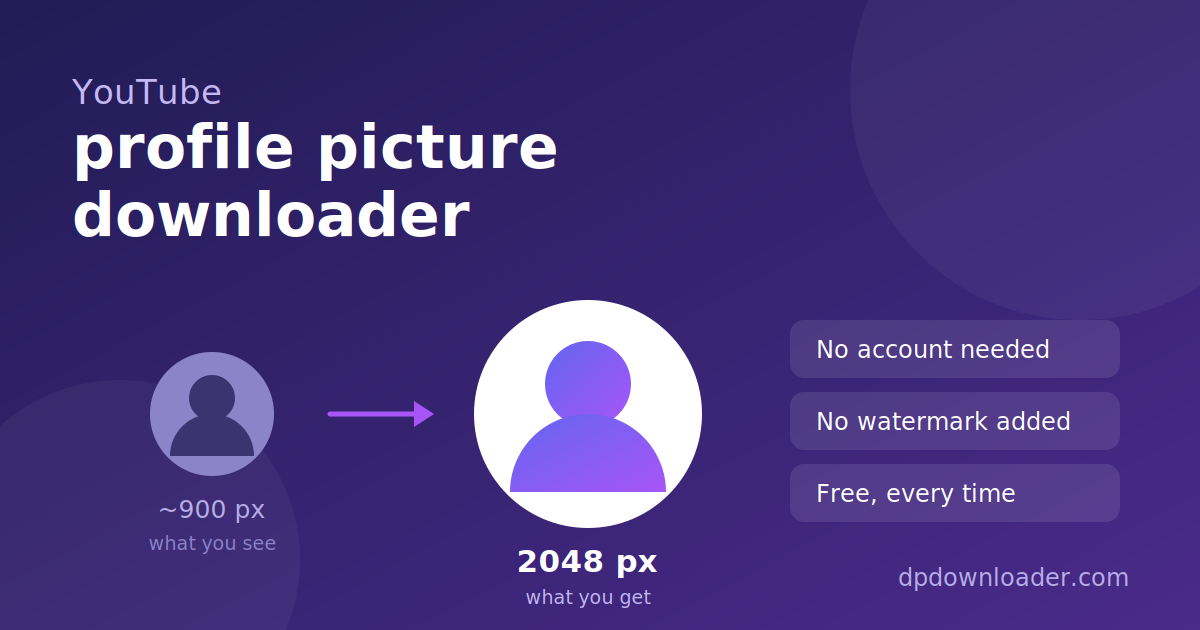
YouTube keeps several renditions of every channel avatar and shows the 900 pixel one on the page. Larger renditions exist, and this tool asks for the biggest that genuinely returns an image.
Working out which one that is took measurement rather than guesswork, and the result was not what we expected. There is a widely repeated claim that a particular setting returns the untouched original. It does not. On a real avatar that setting produced a smaller file than the page default. The genuine maximum was 2048 pixels, at close to three times the data of the default.
| Version | File size |
|---|---|
| The supposed "original" | 60 KB |
| Shown on the channel page | 88 KB |
| 1600 pixels | 176 KB |
| 2048 pixels (what you get here) | 245 KB |
Every size offered here is checked against the server before you see the link, so a dead download never reaches you.
How these numbers were produced. Every figure on this page comes from downloading the file and comparing byte counts, not from repeating what other sites claim. That process contradicted two things we expected to be true, and both corrections are published above rather than quietly rounded up.
Handles, channel IDs and old usernames
YouTube has used three naming systems over the years, and old links still circulate. All of these point at the same channel:
- Handle, as in
youtube.com/@MrBeast. Introduced in 2022 and now the standard. - Channel ID, as in
youtube.com/channel/UCX6OQ3DkcsbYNE6H8uQQuVA. A permanent identifier that never changes, even when the handle does. - Legacy custom URL, as in
youtube.com/c/MrBeast6000or/user/…. Still redirects to the current channel.
Paste any of them, or just the handle on its own. The leading @ is optional.
Finding the handle on a phone
In the YouTube app the address bar is hidden, so the handle is not obvious. Open the channel, tap the three dots, then Share, then Copy link. That gives a full URL containing the handle, which works here. Alternatively the handle appears under the channel name on the channel page itself.
Avatar or banner?
This tool returns the round avatar, not the wide banner across the top of the channel. They are separate images stored in different places, and the banner is not part of what a profile lookup returns.
Banners are also a different shape. YouTube recommends 2048 by 1152 pixels for them, with the middle area safe on every screen size, so a banner is never just a wider version of the avatar.
Saving the file on your device
iPhone and iPad. Pressing Download opens the image in a new tab in Safari. Long press it and choose Add to Photos. If nothing happens, check that Safari is allowed to download files under Settings, Safari, Downloads.
Android. Chrome saves it to your Downloads folder and shows a notification. It appears in Google Photos or your gallery within a few seconds.
Desktop. The file goes to your usual downloads folder. Right clicking Download and choosing Save link as lets you rename it first.
When a lookup fails
The handle recently changed. YouTube allows handle changes, and the old one stops resolving. Open the channel and copy the handle currently shown in the address bar.
The channel has no avatar. Channels that never uploaded one get a coloured square with an initial in it. That image is generated on the fly rather than stored, so there is no original file to retrieve.
You used the display name. A channel called "MrBeast Gaming" might have the handle @MrBeastGaming2. Only the handle works.
The channel was terminated. Removed channels return nothing, because there is no longer a page to read.
Using the picture afterwards
Whether you can use a downloaded avatar depends on the image, not on this tool. Profile pictures are usually protected by copyright, held by whoever created the photograph or artwork. Saving one for personal reference is a different matter from republishing it.
Using another channel's avatar as your own also risks a second problem. YouTube's impersonation policy covers channels that copy another creator's name and image in a way that could confuse viewers, and enforcement there can mean removal of the channel rather than just the picture.
 TikTok
 Roblox
 X
X Telegram
 Pinterest
 Twitch
 Kick
Kick GitHub