
Where the ceiling is
Twitch keeps avatars in a few fixed sizes rather than generating whatever size is asked for. Testing each of them found a clear boundary.
| Size requested | Result |
|---|---|
| 300 by 300 (channel page default) | 101 KB |
| 600 by 600 | 247 KB |
| 1200 by 1200 | 404, does not exist |
| Anything larger | 404, does not exist |
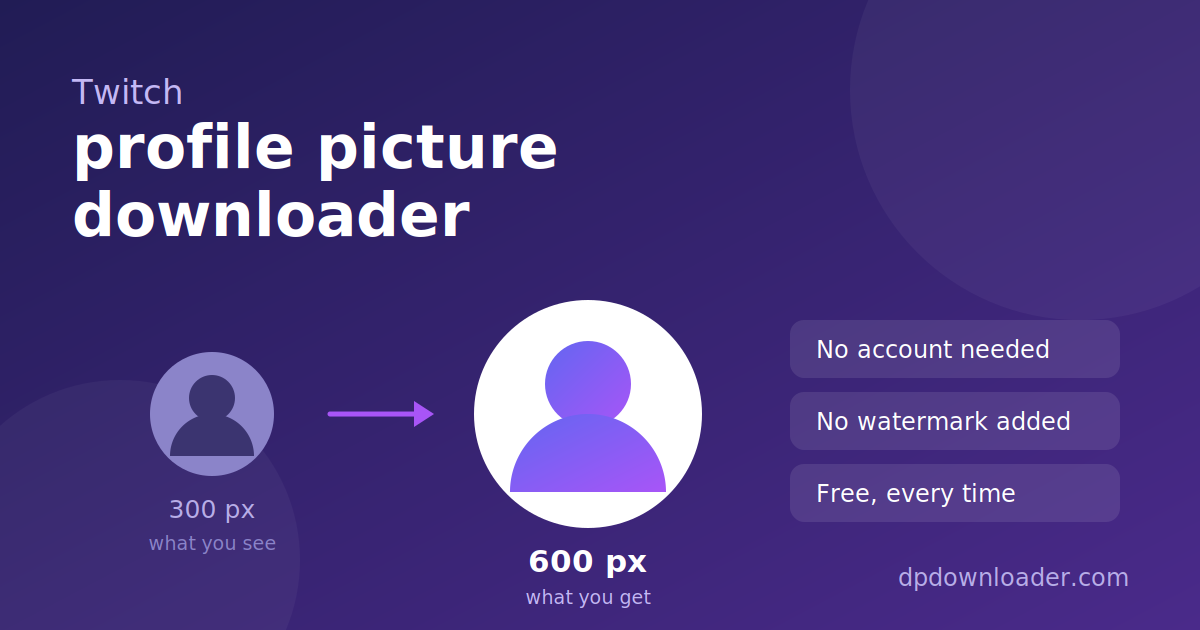
So 600 is the real maximum, at roughly two and a half times the data of the default. Requests above it return an error page rather than an image. This tool asks for 600 and confirms the response is genuinely an image before handing you the link, so a change at Twitch can never produce a broken download.
Why we publish the failures. The 1200 result above is a dead end, not a feature. It is listed because knowing what does not exist saves you from tools that claim it does, and from spending time looking for a larger file that was never stored.
Channel name, not display name
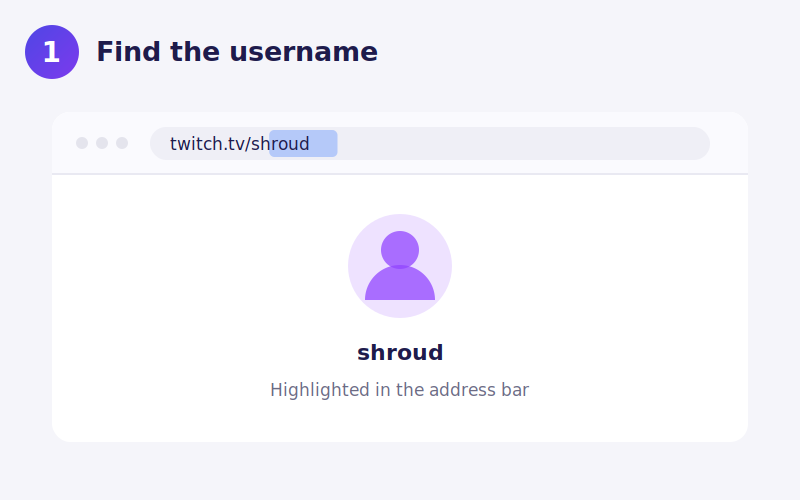
Many streamers display a stylised name with different capitalisation or extra characters. The name that works is the one in the URL. For twitch.tv/shroud that is shroud. Capitalisation is ignored, so Shroud and shroud both resolve.
Avatar, offline banner and panels are different images
A Twitch channel carries several images: the round avatar, the wide offline banner shown when the stream is down, the profile banner, and the panel graphics below the player. This tool handles the avatar only. The others are stored separately and are not part of a profile lookup.
Panels in particular are uploaded individually by the streamer, so there is no single link that returns them all.
Saving the file on your device
iPhone. Download opens the image in Safari. Long press and choose Add to Photos.
Android. The file saves to Downloads and appears in your gallery.
Desktop. Right click Download and choose Save link as to rename it first.
Twitch avatars are usually PNG, so transparency around a circular logo is preserved if the streamer uploaded it that way.
When a lookup fails
The channel was renamed. Twitch permits name changes, and the old name stops resolving afterwards.
You used the display name. Take the name from the address bar instead.
The channel is banned or deleted. Nothing public remains to read.
The channel never set an avatar. Twitch then shows a default glitch logo, which is a shared asset rather than that channel's own image.
Using the picture afterwards
Streamer avatars are frequently commissioned artwork, which means the copyright often belongs to an artist rather than to the streamer. That makes reuse more sensitive here than on platforms where avatars are usually photographs. Saving one for reference is ordinary use. Reposting it, selling merchandise with it, or using it as your own is not, and asking the streamer costs nothing.
 TikTok
 YouTube
 Roblox
 X
X Telegram
 Pinterest
 Kick
Kick GitHub