
Why tapping the avatar does nothing
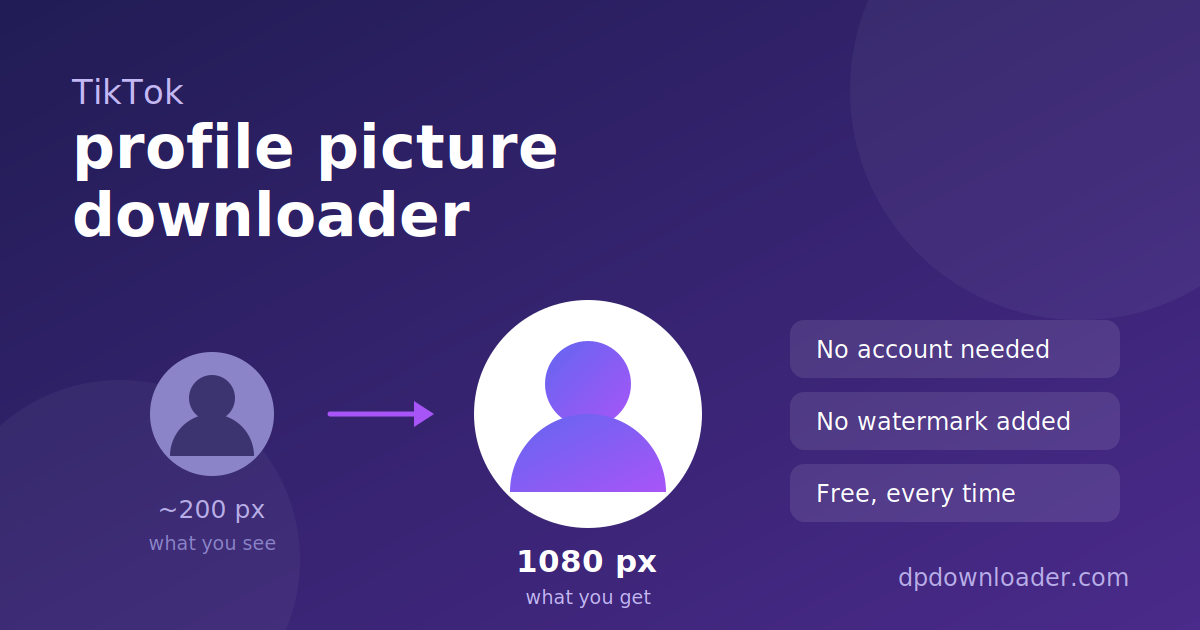
On some apps, tapping a profile picture opens it. On TikTok it does not. The avatar is not a link, and long pressing offers no save option. Screenshotting captures the on-screen version, which on most phones is about 200 pixels across and looks soft the moment you crop or zoom.
The larger file exists the whole time. TikTok stores several renditions of every avatar and serves the small one to save mobile data. The largest rendition is 1080 pixels square, and that is the one this tool asks for.
Username, not display name
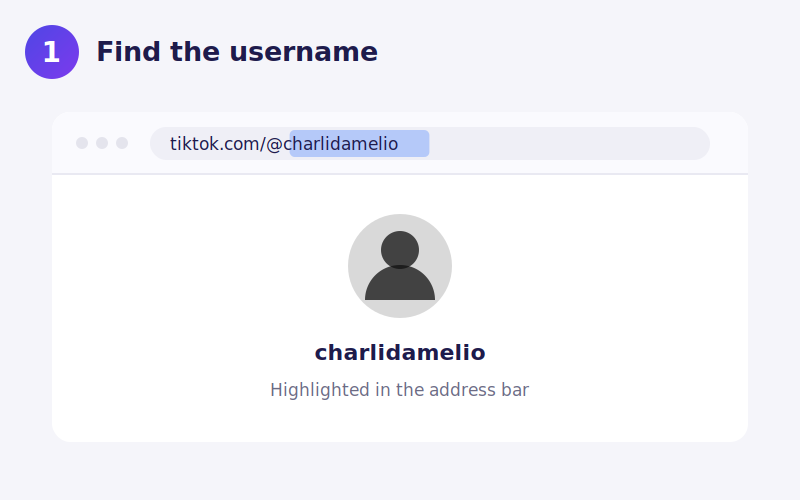
TikTok profiles carry two names and they are frequently different. The display name is the large text, often with emoji in it. The username is the shorter one beginning with @ that appears in the profile URL. Only the username works for a lookup.
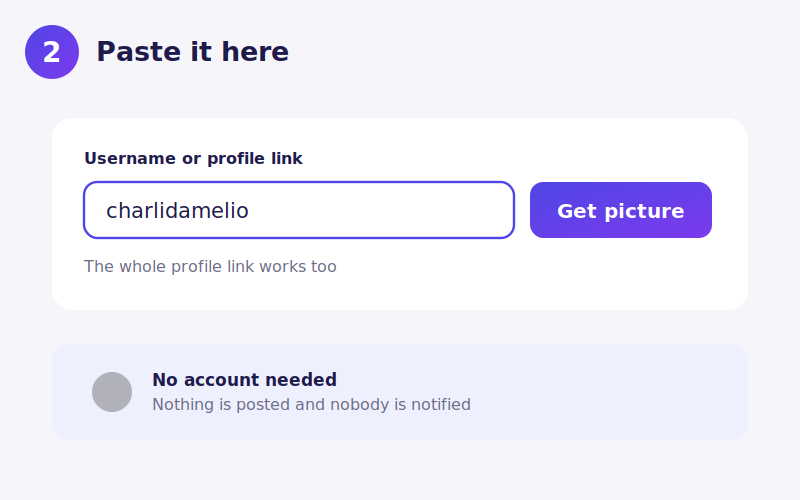
On a phone, tap Share then Copy link and paste the whole address. The username is pulled out of it automatically, so you do not need to identify it yourself.
Watch out for lookalike names. Popular creators attract impersonator accounts that copy the display name exactly and change one character in the username. If the avatar you get is not the one you expected, check the username character by character against the profile you meant.
Private accounts still show a picture
A private TikTok account keeps its profile picture public. The privacy setting hides videos, followers and likes, but not the avatar. That means the lookup works for private accounts, and it is not a loophole. You are seeing exactly what any visitor to that profile already sees.
Where the account has been banned or deleted, nothing is returned, because the profile page no longer exists.
What decides the final quality
The ceiling is whatever the creator uploaded. Someone who uploaded a photo cropped from a screenshot has a low resolution original stored, and no tool can add detail that was never captured. Accounts run by brands and larger creators usually have sharp avatars because the image was prepared before uploading.
TikTok also re-encodes avatars, so a heavily compressed upload stays compressed. The file you receive is the best stored copy, not a restored one.
Saving the file on your device
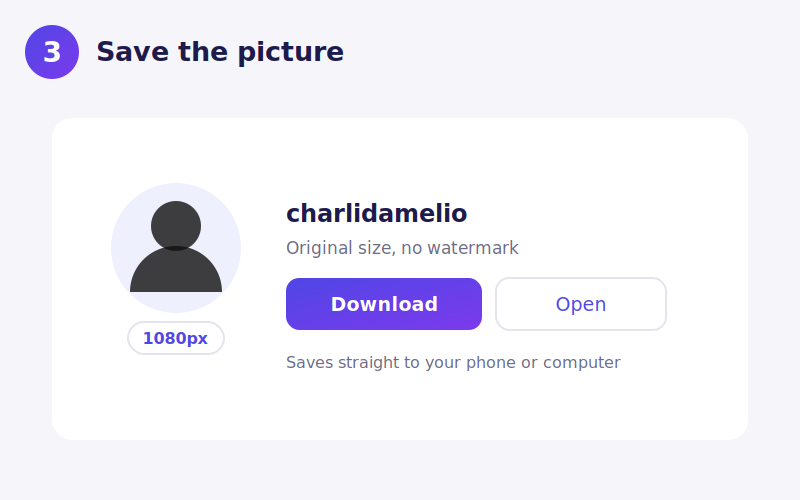
iPhone. Download opens the image in Safari. Long press and choose Add to Photos. If the image opens but will not save, check Settings, Safari, Downloads.
Android. Chrome saves it to Downloads and shows a notification. It appears in your gallery shortly after.
Desktop. Right click Download and choose Save link as if you want to rename the file first.
When a lookup fails
You entered the display name. The most common cause by far. Use the @ name from the URL.
The account changed its username. TikTok allows this every 30 days, and the old name stops working immediately.
The account is banned or deleted. Nothing public remains to read.
Region restrictions. A small number of accounts are unavailable in some countries, and a lookup from a blocked region returns nothing.
Using the picture afterwards
A profile picture normally belongs to whoever created it. Saving one to look at, or to check whether an account is impersonating someone, is ordinary personal use. Republishing it, using it as your own avatar, or using it in advertising is a different matter and can infringe copyright as well as TikTok's own rules on impersonation.
 YouTube
 Roblox
 X
X Telegram
 Pinterest
 Twitch
 Kick
Kick GitHub