
An avatar is a render, not a photograph
Roblox avatars work differently from every other platform on this site. There is no uploaded photo. The character is a 3D model, and Roblox renders it to a flat image whenever one is needed. That render is what you download here.
Because it is generated rather than stored, the image reflects the character as it is right now. Change an outfit and download again, and you get the new look. There is no archive of previous versions.
How the lookup works
The Roblox thumbnail service takes numeric user IDs, not usernames, so a name lookup happens in two steps. The username is resolved to its ID first, then the render is requested for that ID.
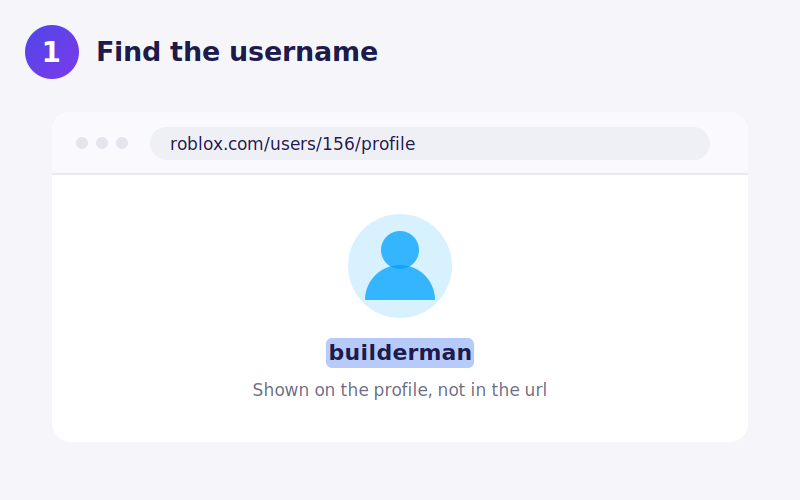
If you already know the ID, the number in a profile link such as roblox.com/users/156/profile, you can enter it directly and skip a step. That is also the reliable option when a player has changed their display name, since IDs never change.
Size, measured
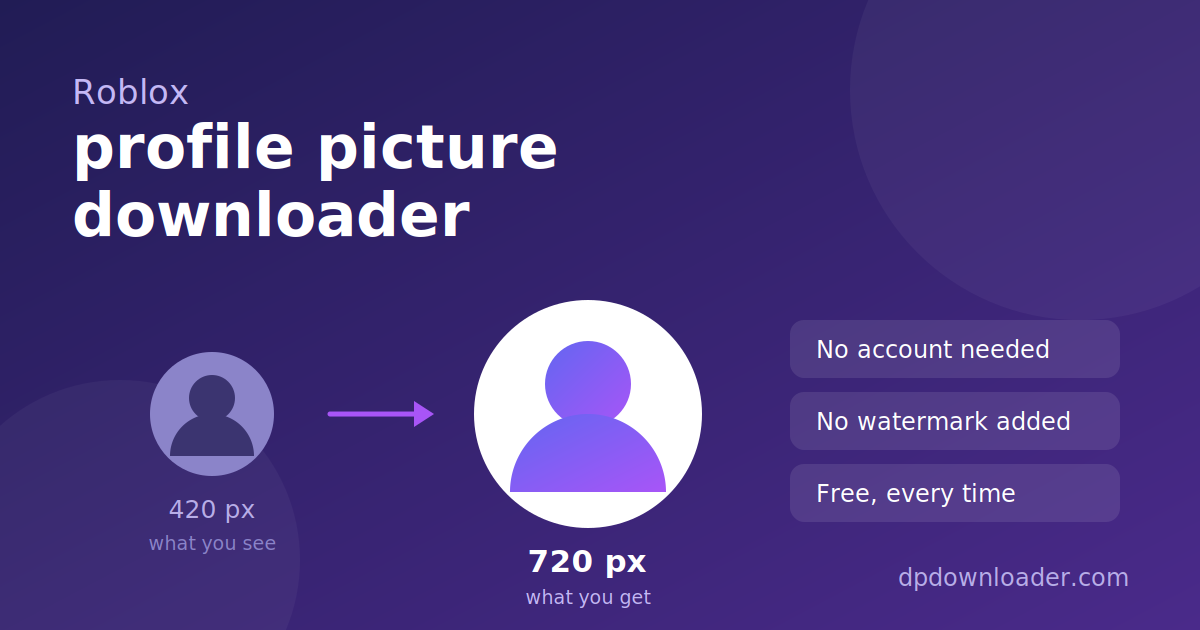
The thumbnail service accepts a size parameter, and only certain values exist rather than any number you choose. Requesting 720 by 720 returned a 92 KB PNG in testing, against 39 KB at the common 420 by 420 default. That is well over double the data, and this tool requests 720.
| Size requested | File size returned |
|---|---|
| 352 by 352 | 30 KB |
| 420 by 420 (common default) | 39 KB |
| 720 by 720 | 92 KB |
Renders come back as PNG with a transparent background, which is why they drop cleanly onto any colour without a white box behind the character.
For younger players and their parents. Nothing here asks for a password, a login or Robux, and no legitimate tool ever will. Avatar images are public and need no credentials at all. Any site that asks for your Roblox password to show you an avatar is trying to steal the account.
Display names and usernames
Roblox has both. The display name is the larger text and can be changed regularly, while the username is fixed and is what other systems use. When a lookup fails on a name you are sure about, you have most likely used the display name.
"Avatar is still rendering"
Occasionally a lookup reports that the render is not ready. This is normal and temporary. It happens when a player has just changed their character and Roblox has not finished producing the new image. Waiting a few seconds and trying again resolves it.
Saving the file on your device
iPhone. Download opens the PNG in Safari. Long press and choose Add to Photos. Transparency is preserved in the file but the Photos app shows it on white.
Android. The PNG saves to Downloads with its transparency intact.
Desktop. Right click Download and choose Save link as to rename it first.
Using the render afterwards
An avatar render is generated by Roblox from items a player owns, many of which were created by other users or by Roblox itself. Using a render for personal purposes, a profile picture on a fan server or a thumbnail for your own video about that player, is ordinary use. Selling it or presenting it as your own creation is not.
 TikTok
 YouTube
 X
X Telegram
 Pinterest
 Twitch
 Kick
Kick GitHub