
Why you cannot just open it in the app
Instagram draws every profile picture as a small circle, and tapping it either does nothing or opens the person's story. There is no option to view it full size and no way to save it. A screenshot only captures the circle at screen size, cropped round, and it falls apart the moment you zoom in.
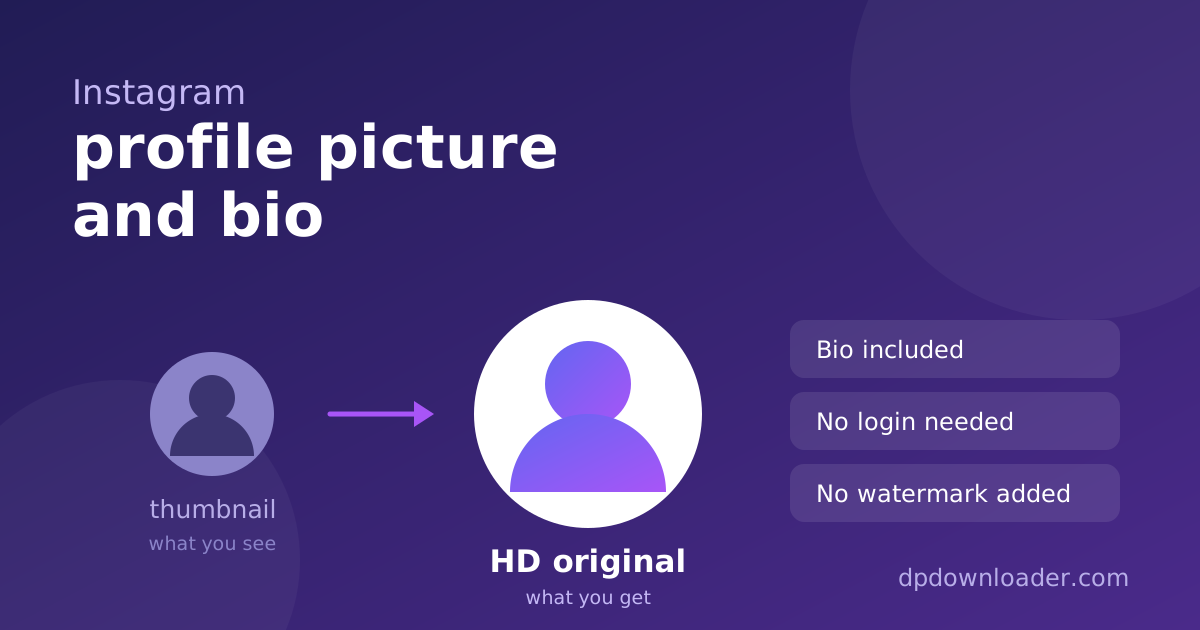
The larger file exists the whole time. Instagram keeps a high resolution copy of each profile picture and shows you a reduced one to keep the app fast. This tool returns that stored copy, as a normal square image rather than a cropped circle.
The size you get, stated honestly
There is no single number for Instagram, and any site that quotes one is guessing. The stored size depends on the account: on the photo that was uploaded and on when it was uploaded. Instagram reports the actual dimensions alongside each picture, so the badge on your result shows the real width of that specific file rather than a figure from a marketing page.
If the badge shows a smaller number than you hoped for, that is the largest version Instagram holds for that account. No tool can add detail that was never stored, and anything advertised as larger has been enlarged after the fact.
The picture and the circle are not the same image. The circle in the app is cut from the stored square. Your download is the full square, so you will often see more of the photo around the edges than the profile ever showed.
The bio comes with it
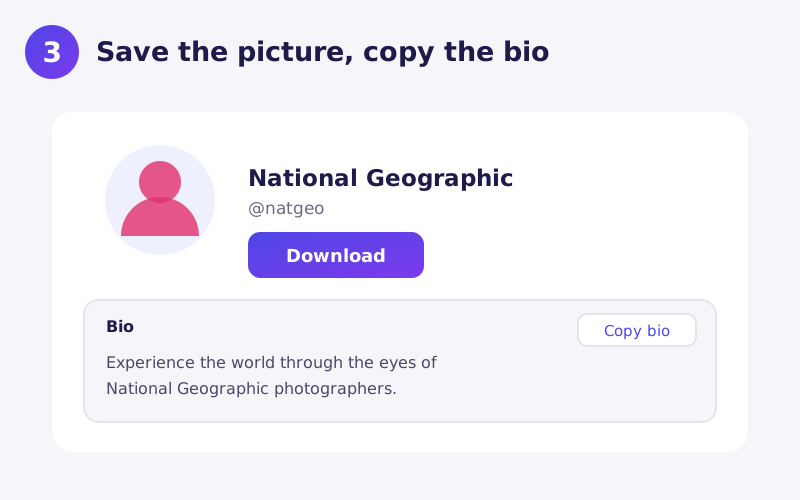
Instagram makes the bio surprisingly hard to copy. In the app you can select it only partially, and the line breaks and emoji often get mangled on the way out. Here the bio appears under the picture as plain text with its line breaks intact, and the copy button puts the whole thing on your clipboard in one go.
That is useful more often than it sounds: saving a contact line from a business profile, keeping the wording of a bio before it changes, checking a stylised name character by character, or translating a bio written in another language. Bios in right to left scripts such as Arabic or Persian display in the correct direction whatever language this page is in.
Private accounts still show their picture and bio
Making an Instagram account private hides its posts, stories, followers and following lists. It does not hide the profile picture or the bio, which Instagram shows to everyone. So a lookup works for private accounts too, and the result is marked as private so you know why there is nothing else to see.
That is not a way around privacy. You get exactly what any visitor to the profile already sees, just at full size.
Username, not display name
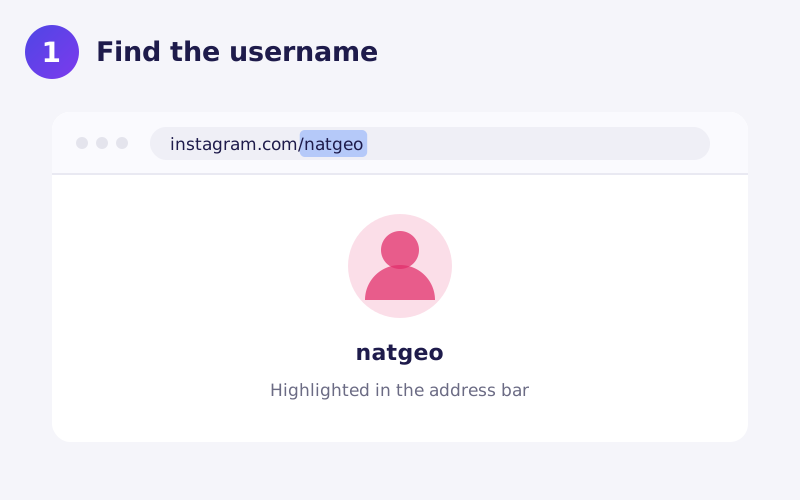
An Instagram profile shows two names. The display name is the bold one, which can contain spaces, emoji and capital letters. The username is the one in the profile address, made only of letters, numbers, full stops and underscores, up to thirty characters. Only the username identifies the account.
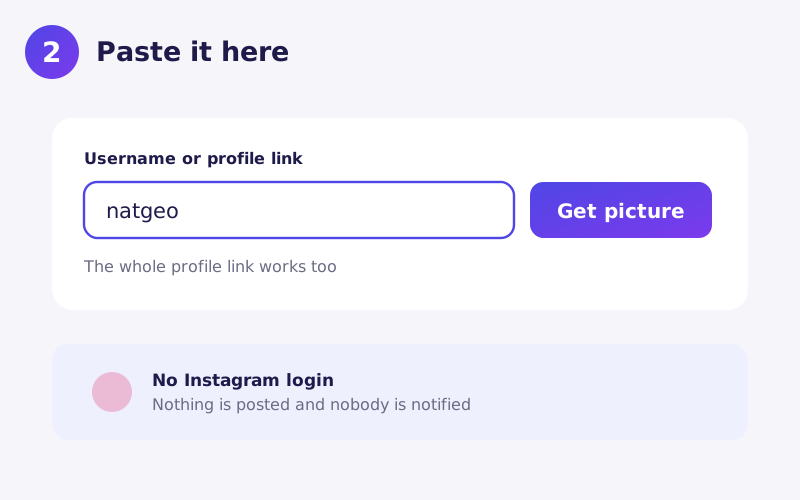
On a phone, open the profile, tap the three dots, then Copy profile URL, and paste the whole link here. The username is read out of it for you. Capital letters do not matter.
Watch for lookalike accounts. Impersonators copy a well known display name and profile picture exactly and change one character in the username, often a full stop or a doubled letter. If the account you get is not the one you expected, compare the username letter by letter with the profile you meant.
Why a result can be a few hours old
To keep the tool fast and free, each profile is looked up once and the result is kept for several hours. If someone changed their picture or bio very recently, you may see the previous version until that period passes. Waiting and trying again later shows the new one.
Occasionally the tool reports that Instagram lookups are temporarily unavailable. That message means the problem is on our side, not with the account you entered, and it usually clears on its own.
Saving the file on your device
iPhone and iPad. Download opens the picture in Safari. Press and hold it, then choose Add to Photos. If it opens but will not save, check Settings, Safari, Downloads.
Android. Chrome saves the picture to your Downloads folder and shows a notification. It appears in your gallery a moment later.
Desktop. The file goes to your usual downloads folder. Right click Download and choose Save link as if you want to rename it first.
When a lookup fails
You entered the display name. By far the most common cause. Use the name from the profile address.
You pasted a post or reel link. Links containing /p/ or /reel/ point at a post, not a profile. Paste the profile link or just the username.
The username changed. Instagram lets people change their username, and the old one stops working immediately, or later belongs to someone else.
The account was deleted, deactivated or banned. There is no profile left to read.
The account has no picture. Instagram then shows a grey outline of a person, which is a shared placeholder rather than that account's own image.
What this tool does not do
This page handles profile pictures and bios only. It does not download posts, reels, stories or highlights, it cannot see anything a private account hides, and it never asks for your Instagram password. No legitimate tool needs your login to show you a public profile picture, so treat any site that asks for one with suspicion.
Using the picture afterwards
A profile picture usually belongs to whoever took or commissioned it. Saving one to look at, or to check whether an account is impersonating someone, is ordinary personal use. Republishing it, using it as your own profile picture, or putting it in an advert is a different matter: it can infringe copyright, and Instagram's own rules treat copying someone's name and picture to pass yourself off as them as impersonation, which can get an account removed.
 TikTok
 YouTube
 Roblox
 X
X Telegram
 Pinterest
 Twitch
 Kick
Kick GitHub