
What size you actually get
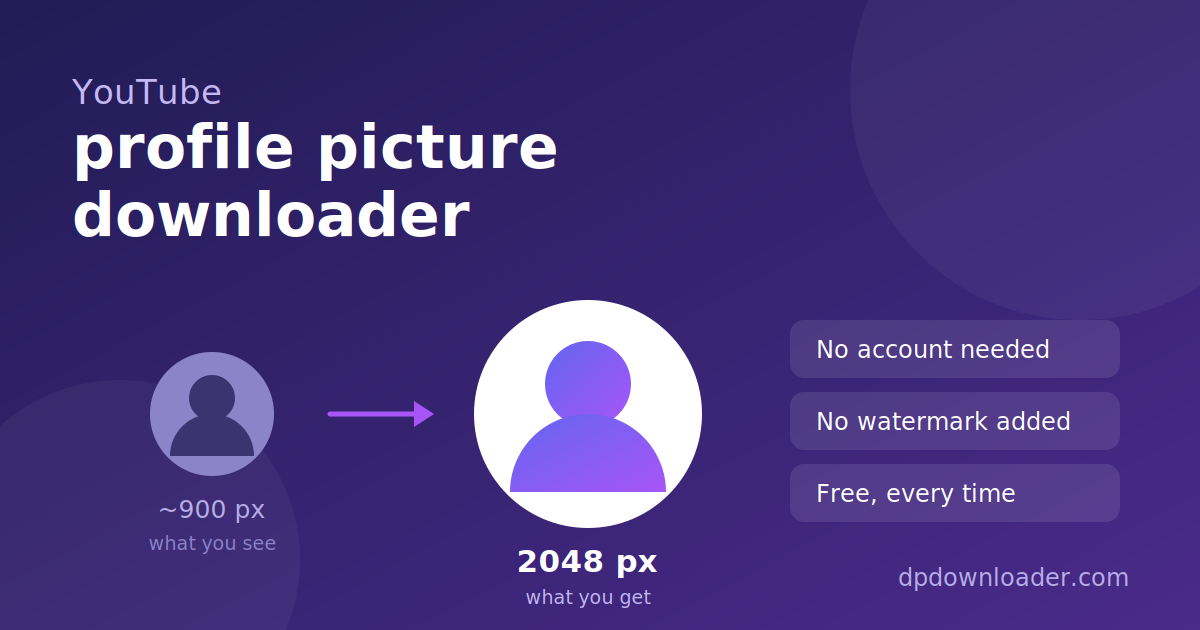
YouTube stores channel avatars on yt3.googleusercontent.com and adds a size instruction to the end of the link, like =s900-c-k-c0x00ffffff-no-rj. The number after the s is the width in pixels. Change it and the CDN re-renders the image at that size.
Testing this properly gave a surprising result. The obvious guess is that =s0 means "no limit, give me the original". It does not. Fetching a real avatar at =s0 returned 60 KB, while the default =s900 returned 88 KB — the supposedly unlimited version was smaller. The largest genuine response came from =s2048, at 245 KB, close to three times the default.
| Size requested | File size returned |
|---|---|
| s0 | 60 KB |
| s900 (channel page default) | 88 KB |
| s1600 | 176 KB |
| s2048 | 245 KB |
This tool requests 2048 and confirms the CDN really returned an image before showing you the link, so you never get a dead download.
Handles, channel IDs and old usernames
YouTube has used three naming systems over the years, and old links still circulate. All of these point at the same channel:
- Handle —
youtube.com/@MrBeast. Introduced in 2022 and now the standard. - Channel ID —
youtube.com/channel/UCX6OQ3DkcsbYNE6H8uQQuVA. A permanent identifier that never changes, even if the handle does. - Legacy custom URL —
youtube.com/c/MrBeast6000or/user/.... Still redirects.
Paste any of them, or just the handle on its own. The leading @ is optional.
Avatar or banner?
This tool returns the round avatar, not the wide banner across the top of the channel. They are different images stored separately, and the banner is not part of what the profile lookup returns.
When a lookup fails
Two situations account for almost every failure. If the handle was recently changed, the old one may no longer resolve — open the channel and copy the handle currently shown in the address bar. If the channel has never uploaded an avatar, YouTube serves a coloured square with an initial in it, which is generated rather than stored, so there is no original file to retrieve.
 TikTok
 Roblox
 X
X Telegram
 Pinterest
 Twitch
 Kick
Kick GitHub